Real estate / Applied AI
A better light.
A stronger first impression.
Property in Focus
A photo refinement workflow built around a real home, with lighting at the center of its online presentation.
We brought AI-assisted editing, comparison, and selection into one place to help prepare property photography for a more inviting listing.
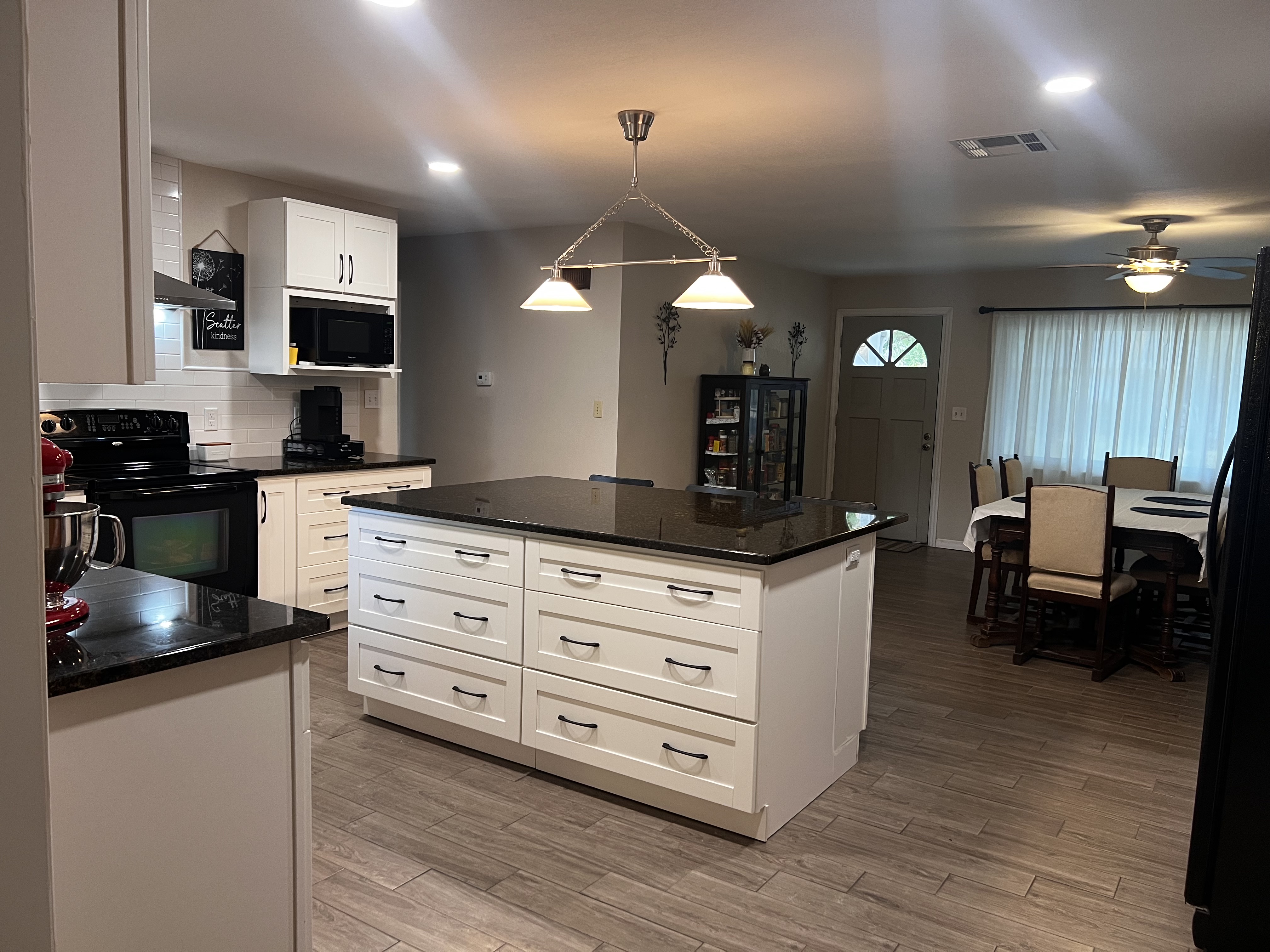
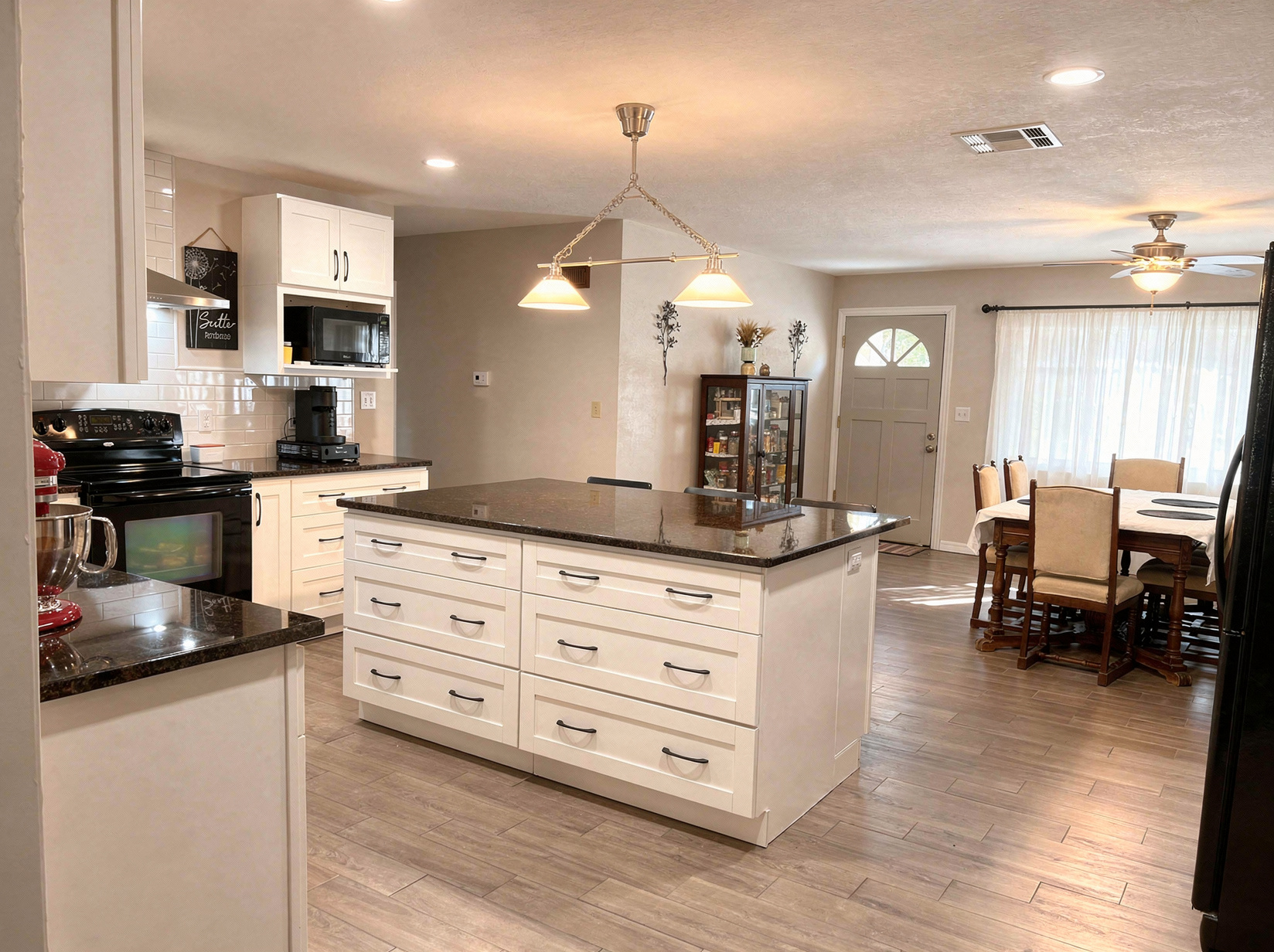
Actual source and saved edit from the project, shown in their original proportions. The edit includes lighting, color, surface, and perspective refinements.
- Market
- Residential real estate
- Focus
- Interior photography
- Our role
- Workflow design & engineering
The challenge
Help the room
come through.
A bright window and an overhead light can leave the rest of a room feeling dim in a photograph.
In this kitchen, cool daylight mixed with pendant and ceiling lights, leaving uneven color, glare, and shadows across the dining area. We focused on a brighter, more balanced presentation, with clearer detail across the cabinets, island, and floor.
The brief centered on the existing space and furnishings. Comparing each edit with its source made the changes visible before selection.
What we built
A workflow for
the whole property.
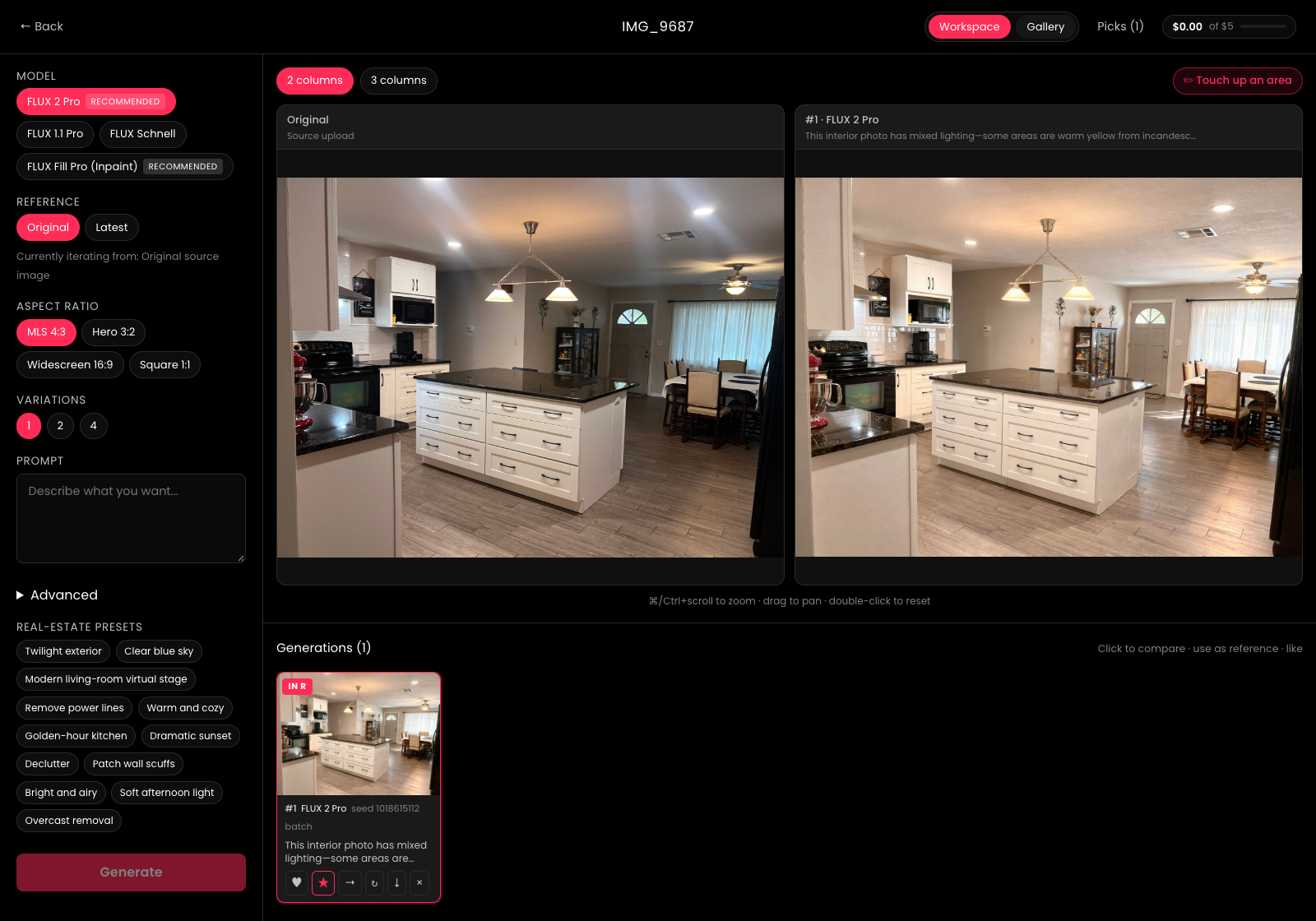
The image was one part of the work. We built the system around it: organize the photos, direct the edits, and review the options together.
- 01 / Organize
Keep the property together.
A shared collection brings the home’s photographs into one workspace. Each source image has its own editing history.
- 02 / Refine
Give each room a brief.
Use the source photograph to direct exposure, color, and other refinements. Save variations so the next decision has context.
- 03 / Select
Review before choosing.
Compare the source and generated images side by side. Collaborators can review, shortlist, and export their selections.
From review to handoff
Keep the chosen images
within reach.
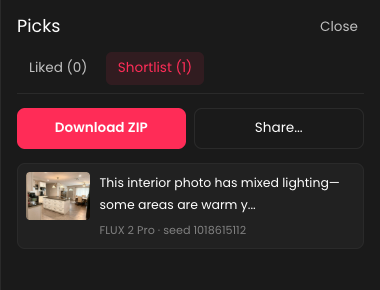
The Picks panel brings shortlisted edits together, with download and sharing controls ready for the next step.
The business goal
From a first glance
to a closer look.
The aim was to give the property a stronger presence online and help turn listing traffic into buyer interest.
For this home, the visible result is a brighter, warmer interior presentation. The workflow also gives the team a shared way to review and choose the images that represent the property.
Listing views, saves, inquiries, and showings are the measures that connect that work to the market. Traffic and inquiry results are not quantified in this case study.
For real estate teams
Bring your next
property workflow.
From photography review to the systems behind a listing, we help teams put AI to work on a specific business need.